Mueez Khan
Mueez Khan
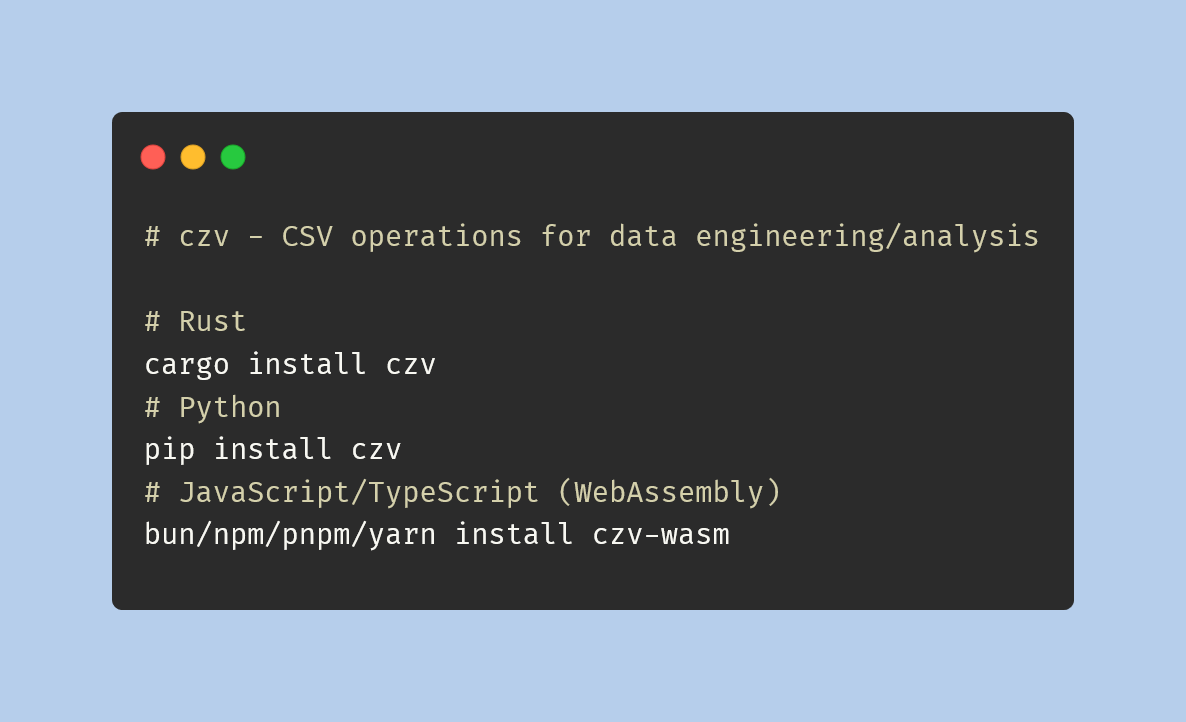
czv for CSV Operations
A collection of libraries for running CSV operations called czv. Built in
Rust, available for Rust, Python, and WebAssembly (JavaScript/TypeScript).
Published: 2024-06-21
Last updated: 2026-06-12
side-project
rust
python
webassembly
javascript
typescript
react
data-engineering
data-analysis
A recent library I've been working on is czv as a side project built with Rust and including bindings for Python and WebAssembly (JavaScript/TypeScript).
Note: The code may be outdated/updated by the time you read this as this post was published when czv was released. I have archived the code repository as I have not been updating the library.
Examples
For the upcoming examples we'll be using the following CSV data:fruit,price
apple,2.50
banana,3.00
strawberry,1.50Rust
~~Install the crate from crates.io/crates/czv by running:~~ I have removed the crate from crates.io. Now let's print out the row count (including the header row) for our CSV data:use czv::{RowCount, Result};
fn main() -> Result<()> {
let data: &str = "\
fruits,price
apple,2.50
banana,3.00
strawberry,1.50
";
let output: usize = RowCount::new()
.file_data(data)
.include_header_row(true)
.execute()?;
println!("{output}"); // 4
Ok(())
}- The
RowCountis a Rust struct we consider as our CSV operation so we import it in the first line. - We assign the CSV data to a variable as a
&str. - The
RowCount::new()method must be called to generate aRowCountBuilder. - The
RowCountBuilderallows us to run multiple methods to pass conditional arguments. In this case we run.file_data(data)to provide our CSV data (alternatively for a file path usefile_path(path)) and.include_header_row(true)to include the CSV data's first row in the total row count. - The
.execute()method is ran at the end to get the output as aResult<T, CzvError>. In this caseTis ausize(representing the row count) and if.execute()runs successfully we get the value thanks to the question-mark operator and assign it to our variableoutput.
Python
Install the package from pypi.org/project/czv by running:pip install czvPersonally I prefer usingNow let's print out the row count (including the header row) for our CSV data:uvinstead ofpip.
import czv

data: str = """fruits,price
apple,2.50
banana,3.00
strawberry,1.50"""

output: int = czv.row_count(file_data=data, include_header_row=True)

print(output) # 4RowCount builder, we may use a row_count function directly in Python since we may provide optional parameters and keyword arguments whereas in Rust the builder pattern suffices for this necessity.
WebAssembly (JavaScript/TypeScript)
Install the package from npmjs.com/package/czv-wasm by running:bun install czv-wasmbun with the compatible package manager you use (e.g., npm, pnpm, yarn).
I received an error when trying to registerHow you use this library depends on the scenario it's used in as some frameworks make it easier to work with than others. For example I'll use czv-wasm within this page. My website is built with Next.js and this page uses MDX so first I'll try installing the czv-wasm package:czvas the package name since its name is too similar tocsv, so we useczv-wasminstead.
bun install czv-wasm"use client";
import { Input } from "@/components/ui/input";
import { Label } from "@/components/ui/label";
import { Switch } from "@/components/ui/switch";
import init, * as czv from "czv-wasm";
import React, { useState } from "react";
const CzvExample = () => {
const [initDone, setInitDone] = useState(false);
const [loading, setLoading] = useState(false);
const [rowCount, setRowCount] = useState<number | undefined>(undefined);
const [columnCount, setColumnCount] = useState<number | undefined>(
undefined
);
const [includeHeaderRow, setIncludeHeaderRow] = useState(false);
const handleSwitch = (e: boolean) => {
setRowCount(undefined);
setIncludeHeaderRow(e);
};
const handleFile = async (e: React.ChangeEvent<HTMLInputElement>) => {
setLoading(true);
// Reset counts for new file
setRowCount(undefined);
setColumnCount(undefined);
// Running `init` first is required to use the czv library
if (!initDone) {
await init();
setInitDone(true);
}
if (e.target.files && e.target.files.length === 1) {
// Only allow a single CSV file as input
if (e.target.files[0].type !== "text/csv") {
setLoading(false);
return;
}
const data = await e.target.files[0].text();
const rowCountOutput = czv.rowCount({
file_data: data,
include_header_row: includeHeaderRow,
});
setRowCount(rowCountOutput);
const columnCountOutput = czv.columnCount({
file_data: data,
});
setColumnCount(columnCountOutput);
}
setLoading(false);
};
return (
<>
<div className="flex gap-2">
<div>
<Label htmlFor="csv">Import your CSV file</Label>
<Input
className="cursor-pointer mb-2"
onChange={handleFile}
id="csv"
type="file"
accept="text/csv"
/>
</div>
<div className="flex items-center space-x-2 mt-3">
<Switch
onCheckedChange={handleSwitch}
id="include-header-row"
/>
<Label htmlFor="include-header-row">
{includeHeaderRow ? "Include" : "Exclude"} header row
</Label>
</div>
</div>
{loading && <p>Loading...</p>}
{rowCount && (
<p>
<strong>
Row count (
{includeHeaderRow ? "including" : "excluding"} header
row)
</strong>
: {rowCount}
</p>
)}
{columnCount && (
<p>
<strong>Column count</strong>: {columnCount}
</p>
)}
</>
);
};
export default CzvExample;"use client" to render this on the client-side which allows useState to work. The component imports are from the shadcn/ui library.
I'll add the component to this page's MDX file as so:
import CzvExample from "@/path/to/CzvExample";

<CzvExample />
Now you may try it out above!
Import a CSV file using the file browser. You may also click the switch to toggle whether you want to include the header (first) row from your CSV file. The row count and column count should be computed by
czv-wasm within your browser and displayed.
If you'd like to explore more with czv-wasm, docstrings are provided for TypeScript.
Conclusion
At the time this post is published the row count and column count operations are the only two available operations. However there was a lot I've learned as I built these libraries especially since it's not just a library for a single language. Feel free to star the project on GitHub here and I encourage you to try it out.Share your thoughts
Submit a comment about this post that may be shared.
Join the Newsletter
Receive updates during my career.
Featured Publications
Technical writing on work experiences, projects, and tools you may find useful.
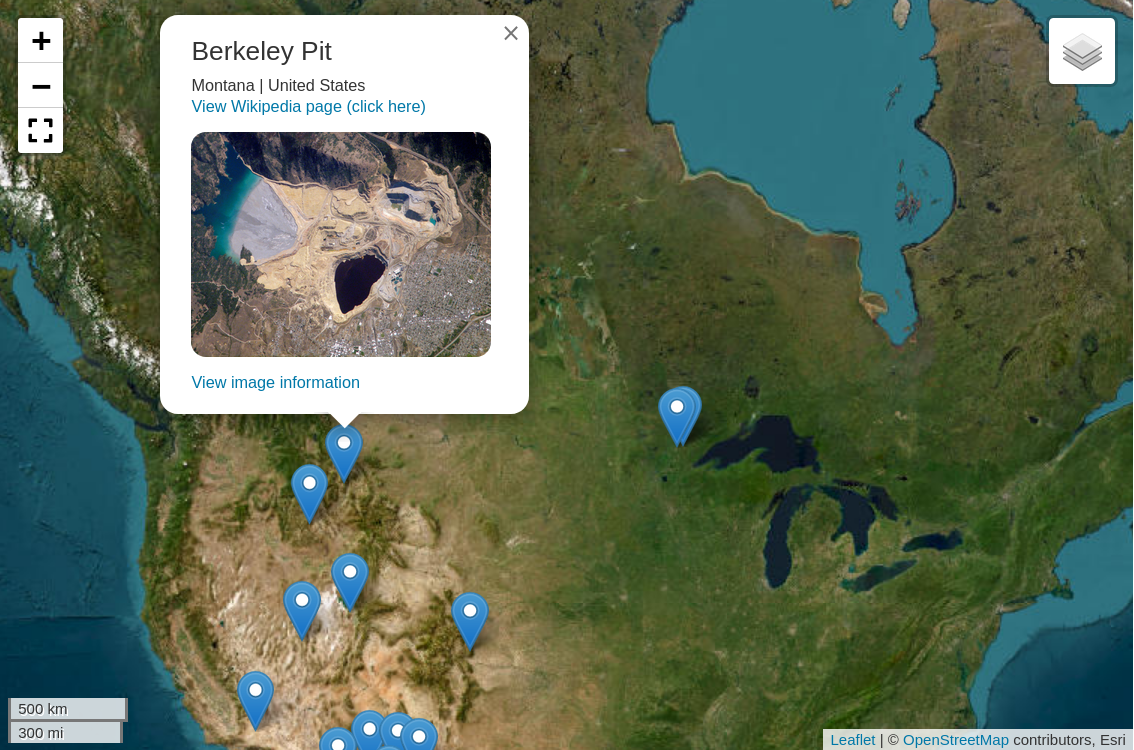
Mapping open-pit mines in the US
Python
Polars
Folium
Leaflet
Marimo
New "Typing with Typst" course

Typst
Generating Plotly charts for water data

Python
Polars
Plotly
Data visualization
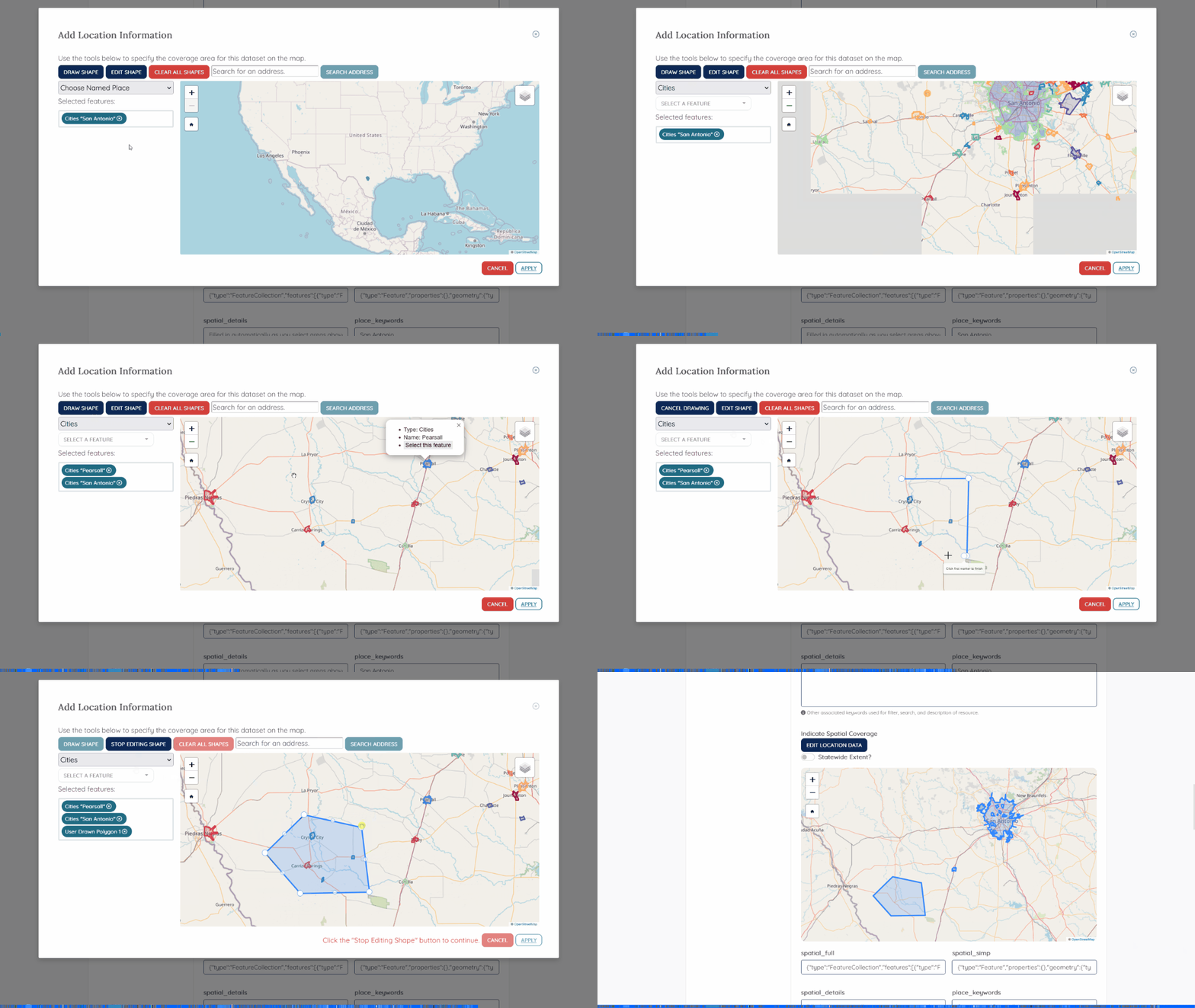
Gazetteers for Texas Water Data Hub
JavaScript
HTML/CSS
Python
Leaflet
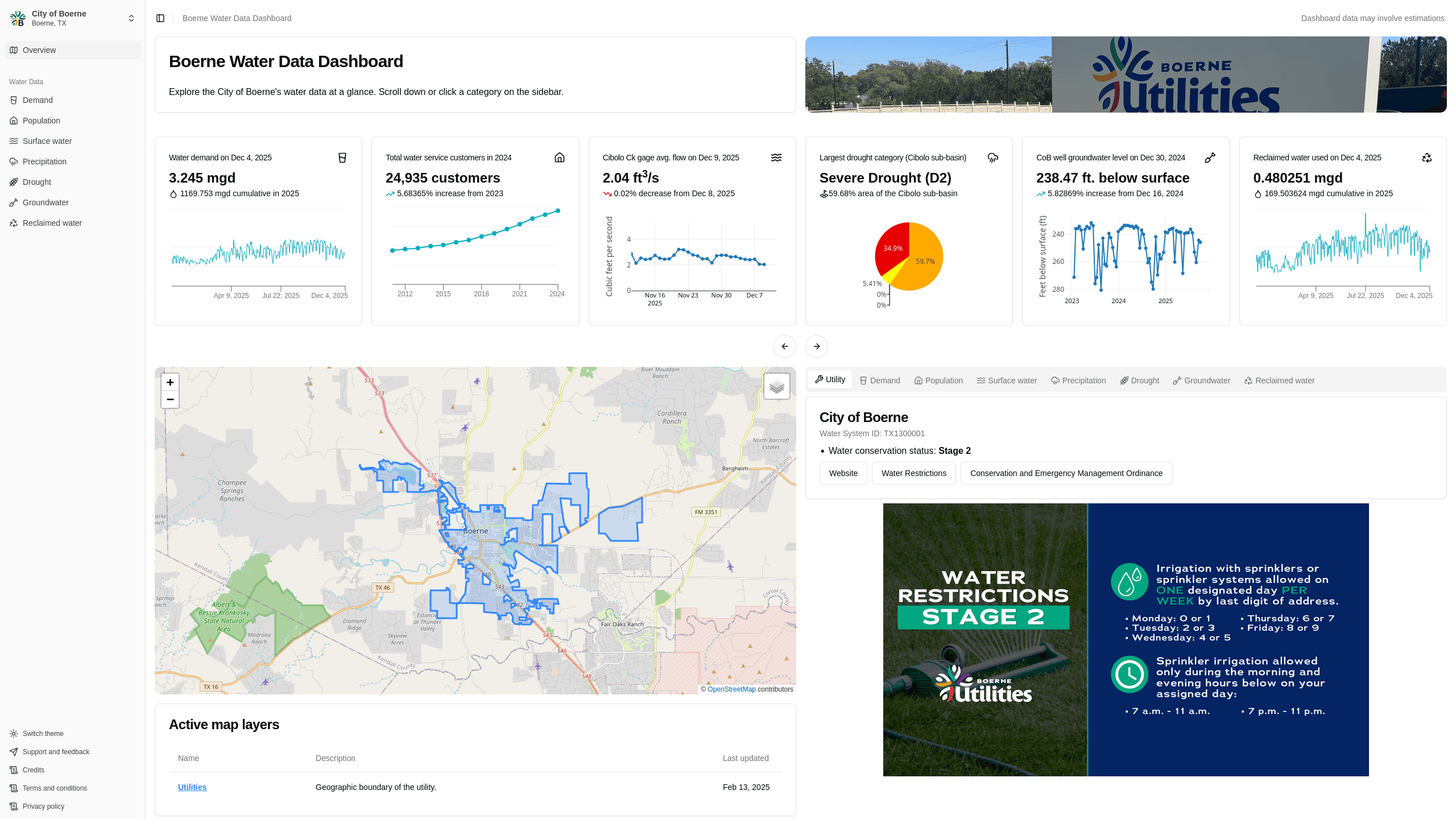
Boerne Water Data Dashboard
Next.js
Rust
Data visualization
Data engineering
Polars
Plotly
commit-helper
Rust
Building a CKAN Release Timeline

Python
CKAN
TimelineJS v3
HTML
View more written content on my blog.